For paid Holds Up subscribers
Holds Up MCP
 Holds Up · The launch story
The full story
I built a library of 750 AI search studies and 6,000 stats. Now it’s inside ChatGPT and Claude.
See what Holds Up can do inside your AI, with real questions, screenshots and the research behind the answers.
The Holds Up MCP is available exclusively to paid subscribers.
See what the Holds Up MCP can do ↗Setup
Connect Holds Up
Start in ChatGPT or Claude and follow the steps below to add Holds Up. During setup, a Holds Up page will open where you sign in with your subscriber email and a six-digit code.
Connector address — copy and paste this into your AI app when the steps ask for it.
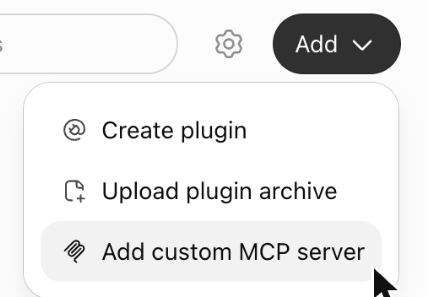
https://mcp.holdsup.co/mcp- On ChatGPT’s website, open Plugins, select Add, then Add custom MCP server.
- Add the H. icon (optional).
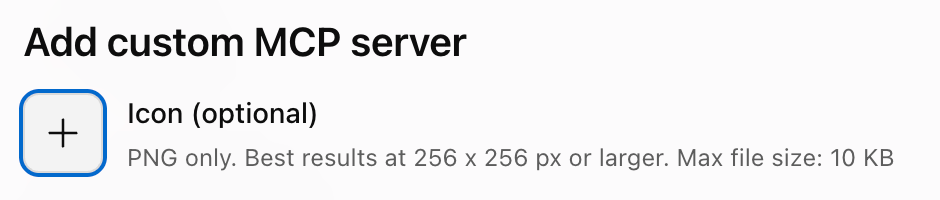
 Download the H. iconThen select + beside Icon and choose the file.
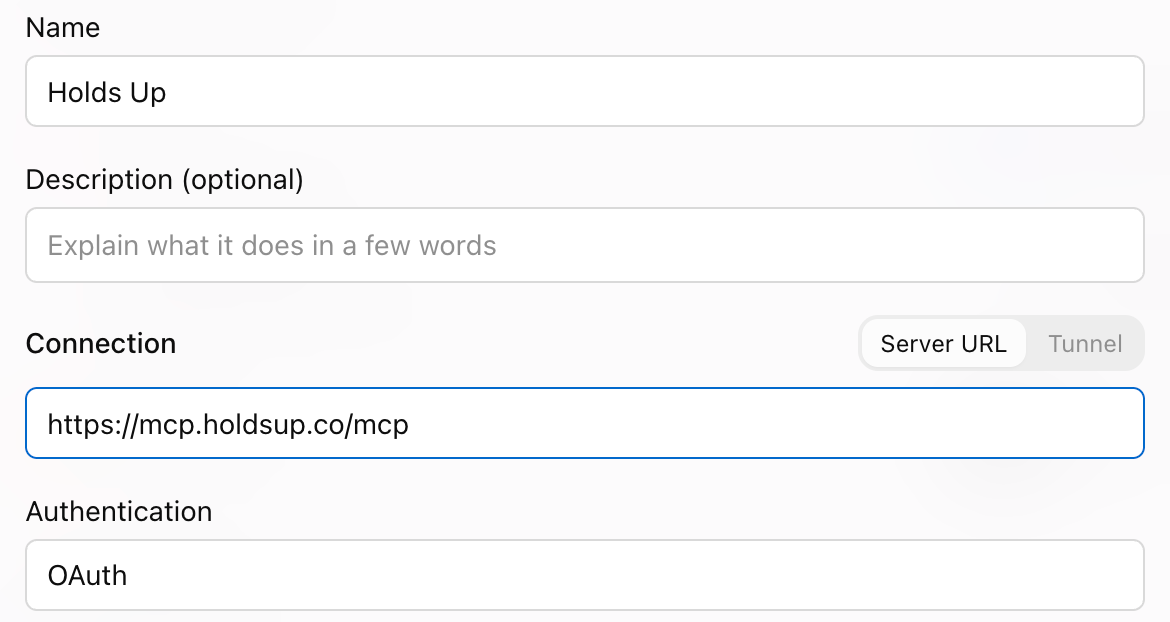
- Name it Holds Up, paste the connector address above under Connection and choose OAuth for authentication. You can leave the description blank.
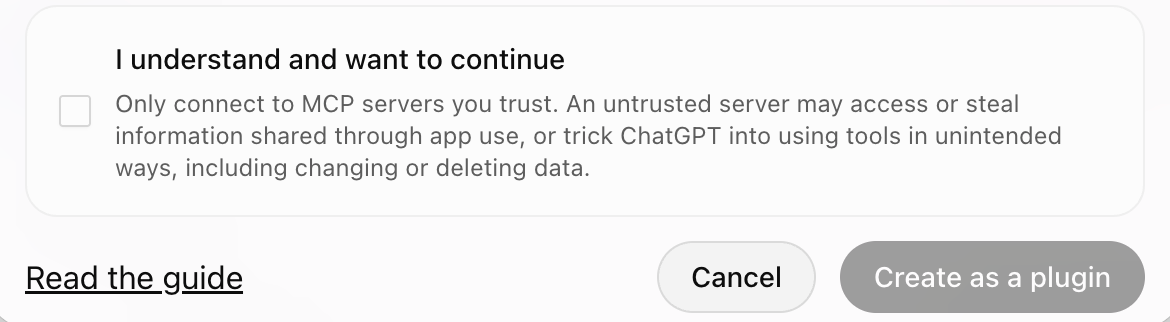
- Tick I understand and want to continue, then select Create as a plugin.
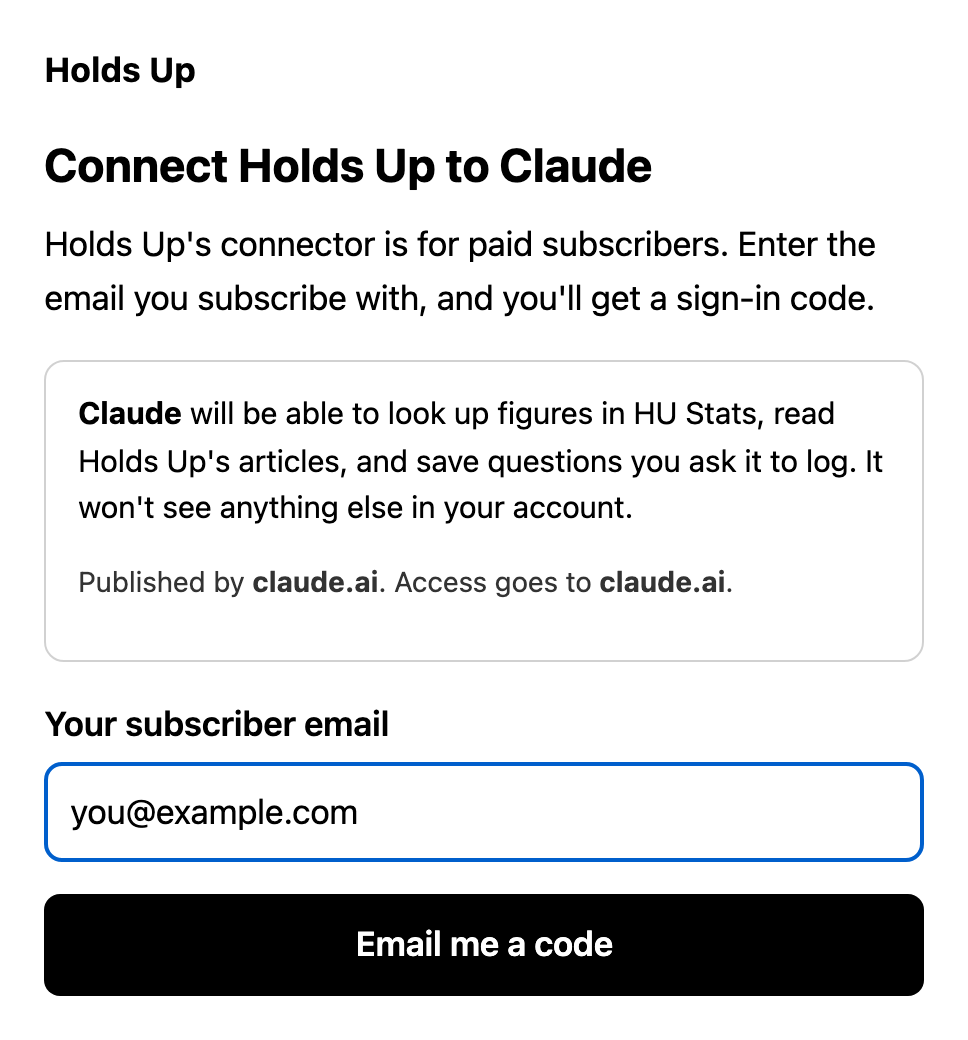
- When the Holds Up sign-in page opens, enter the email on your paid subscription and select Email me a code. Enter the six-digit code from your email to finish connecting.
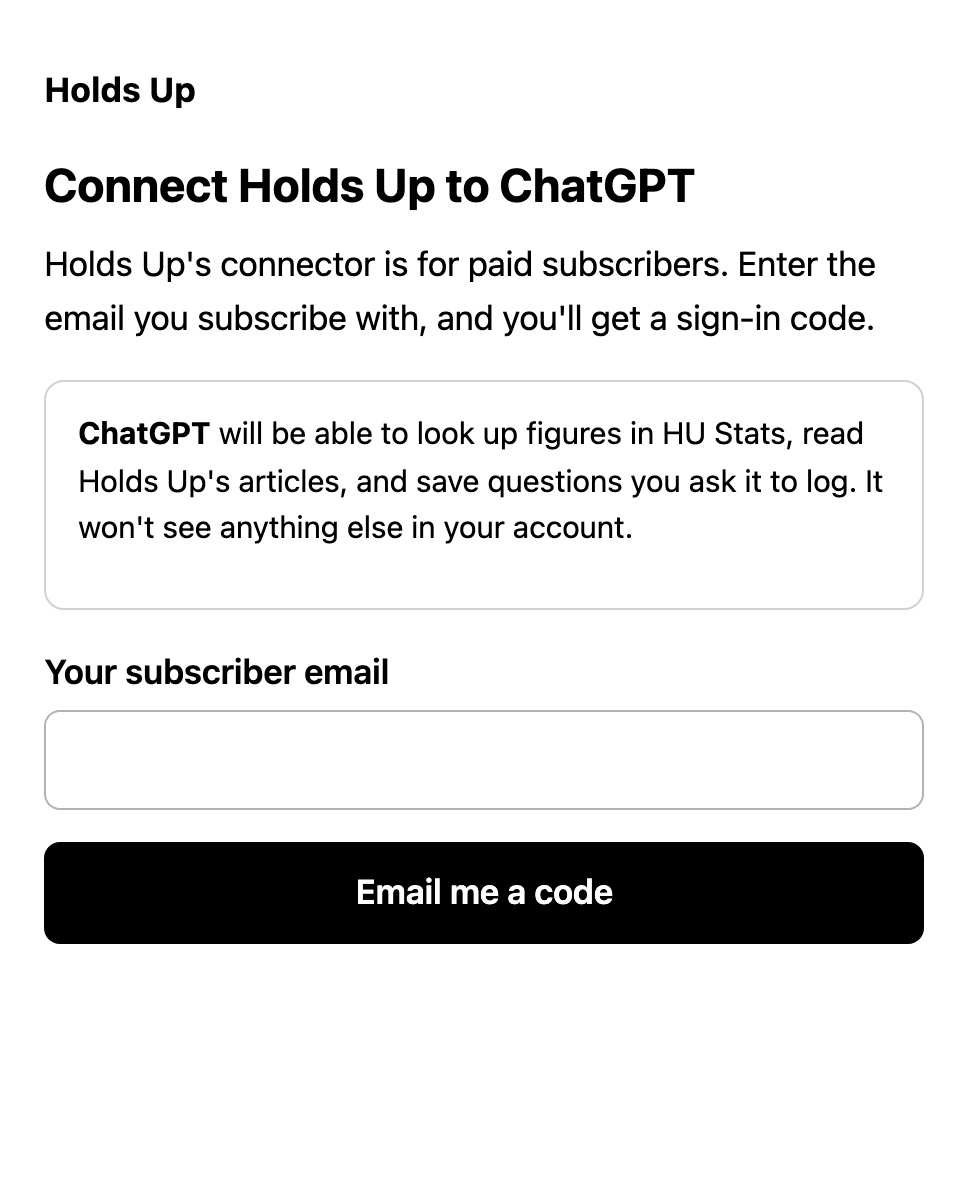
Sign-in form preview - In a new chat, type @ and pick Holds Up before you ask. Pick it again for each research question, or ChatGPT may answer from the web instead.
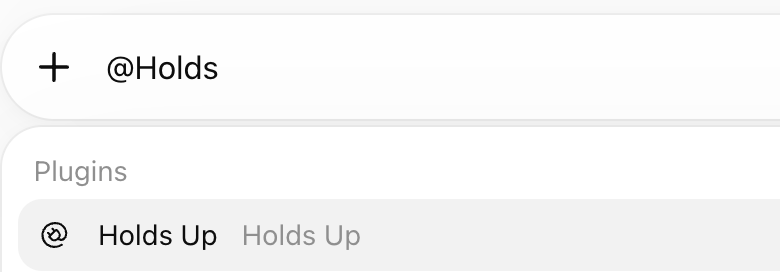
Once it’s added on the website, it works in the ChatGPT desktop app too.
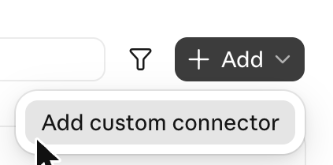
- In Claude on the web or the desktop app, open Customize → Connectors, select + Add, then Add custom connector.
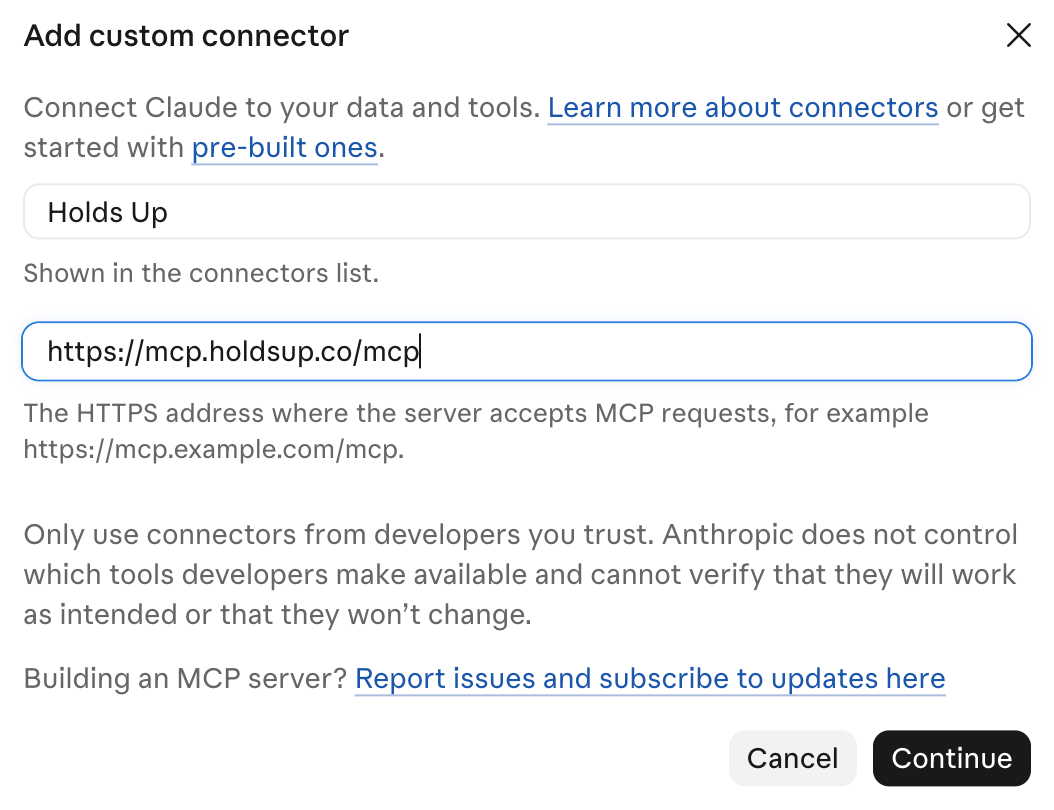
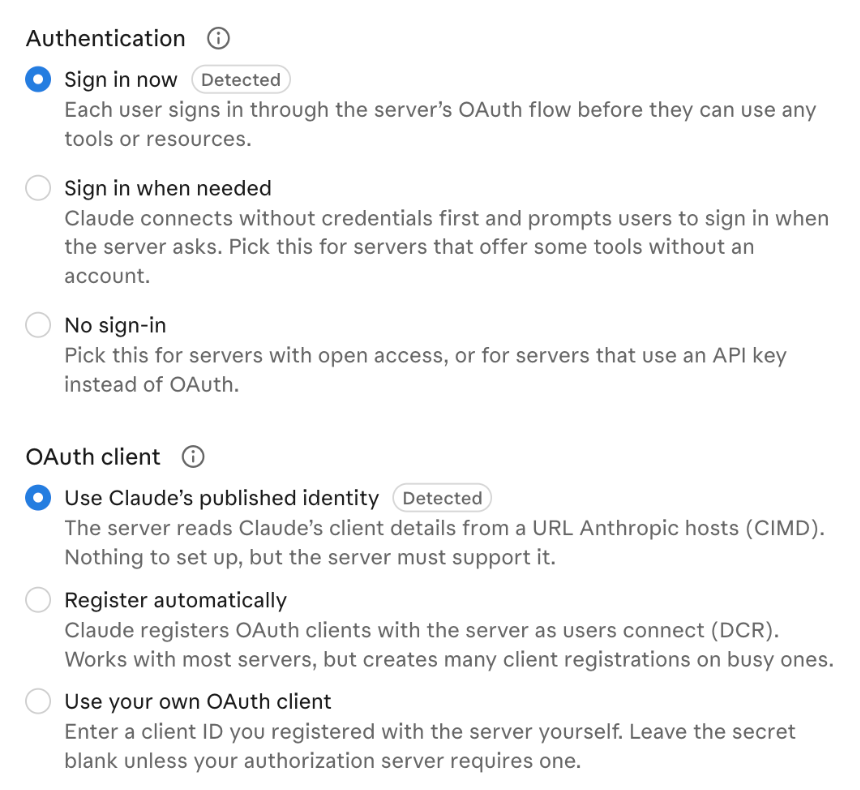
- Name it Holds Up, paste the connector address above and select Continue. Keep the sign-in settings Claude finds, then select Add.
- When the Holds Up sign-in page opens, enter the email on your paid subscription and select Email me a code. Enter the six-digit code from your email to finish connecting.
- In a new chat, ask “Set up Holds Up.”

Using a company account?
On Claude Team and Enterprise, an Owner adds Holds Up for the organization first. Then you connect it yourself and sign in with your own subscriber email. Other workplace accounts may also limit which connections you can add, so check with whoever manages yours.
Using Claude Code?
In a terminal, run claude mcp add --transport http holdsup https://mcp.holdsup.co/mcp. Then type /mcp in Claude Code, choose holdsup and sign in with your subscriber email. Your browser opens the same Holds Up page, with a note that you’re connecting an app on your own computer.
Once you’re connected
Try a question
In ChatGPT, pick Holds Up from the tools menu or type @Holds Up and select it. In Claude, start with “Ask Holds Up.”
- Ask Holds Up: are AI Overviews still cutting the clicks websites get from Google?
- Ask Holds Up: how much do AI answers cite Reddit, and is that changing?
- Ask Holds Up: do people trust the answers they get from AI?
Look for the study’s author and date, a source link, an HU ID and the caveats that go with each stat.
If you get stuck
My code hasn’t arrived
Check spam for an email from signin@holdsup.co. Codes work for 10 minutes. If yours has expired, start again from your AI app.
It says it can’t find my paid subscription
Make sure you signed in with the email you subscribe with. If you subscribed in the Substack iPhone app, got a gift or a comp, or you’re on a group plan, your access is added once a week. Email ryan@holdsup.co and I’ll turn it on sooner.
ChatGPT answered without using Holds Up
Type @, choose Holds Up and make sure its tag is attached to your message before sending. Use the tag on each research question.
The answer is missing a source or a caveat
Ask for the source link, the study’s date, its HU ID and its caveats. Every stat in HU Stats has an HU ID. If it’s missing, your AI may have found the stat elsewhere or left the ID out. Ask it to confirm it used Holds Up and check its work.
Holds Up doesn’t have what I asked about
Ask it to log the question, or the study or stat you want checked, with its original source. The request is submitted for review. Research is only added to HU Stats after it has been reviewed.
For your workplace
A note for your admin
On Claude Team and Enterprise, only an Owner can add a custom connector for the organization. Send them the link to this section.
What Holds Up is. A connection to two collections for paid Holds Up subscribers: HU Stats, third-party AI search and visibility research with sources and caveats, and HU Archive, every Holds Up article, analysis and framework.
What people can do. Ask Claude to retrieve research, check a stat, find sources or explore Holds Up’s analysis. They can also ask it to submit a question or a missing study for review.
How people sign in. Each person connects with the email on their own paid Holds Up subscription and a six-digit code. Adding the connector to the organization does not give everyone a subscription.
How to add it.
- In Organization settings → Connectors, select Add, hover over Custom and choose Web.
- Name it Holds Up and paste
https://mcp.holdsup.co/mcp. Keep the authentication settings Claude detects and select Add. - Members then open Customize → Connectors, find Holds Up and select Connect.
On Team, Owners and Primary Owners can add a connector. On Enterprise, so can anyone with a custom role that includes Manage access to Libraries. Questions: ryan@holdsup.co